Want to be seen when locals search for your services?
A properly set-up Google Business Profile (GBP) makes that happen.
This guide will walk you through the essentials — setup, optimisation, and ongoing management — to make your business easier to find on Google.
What Is a Google Business Profile?
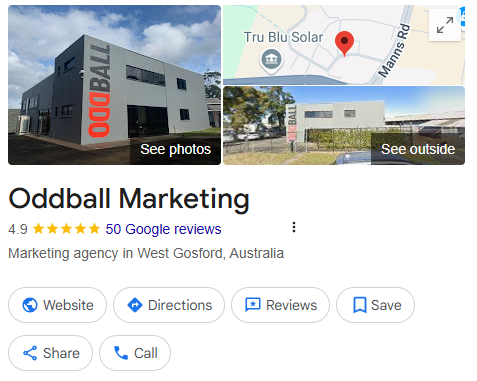
Google Business Profile (formerly Google My Business) is a free tool that lets you:
- Display business info in Google Search & Maps
- Collect and respond to reviews
- Share updates and promotions
- Boost local SEO visibility
Why it matters:
According to BrightLocal, 98% of consumers use the internet to find local businesses. A well-maintained profile puts you in front of that audience, at the exact moment they’re looking.
Step 1: Set Up or Claim Your Profile
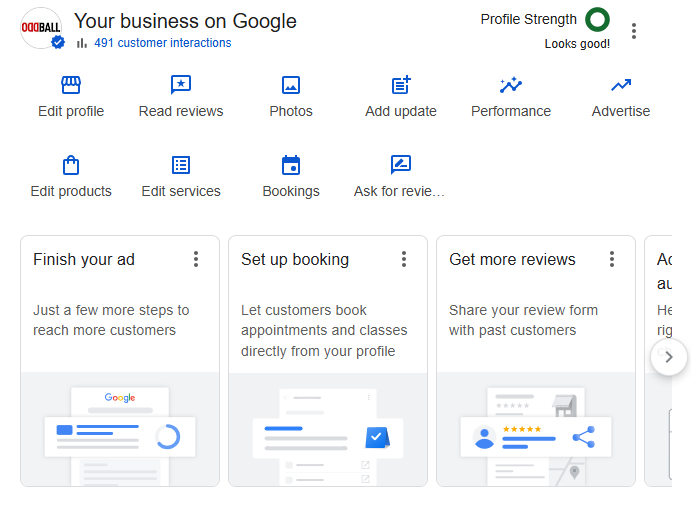
How to claim or create your profile:
- Go to Google Business
- Search for your business name
- If it appears, claim it. If not, create a new listing
- Verify your business via postcard, phone, or email
💡 Use a consistent business name, address, and phone number (NAP) across all platforms.
Step 2: Add Key Business Info
Fill out every section. Incomplete profiles don’t rank as well.
Must-have info:
- Business name
- Physical address or service area
- Phone number
- Website link (Like this)
- Opening hours
- Business categories
- Description (include relevant keywords)
💡 Use your main keywords naturally in your business description for better ranking.
Step 3: Choose the Right Categories
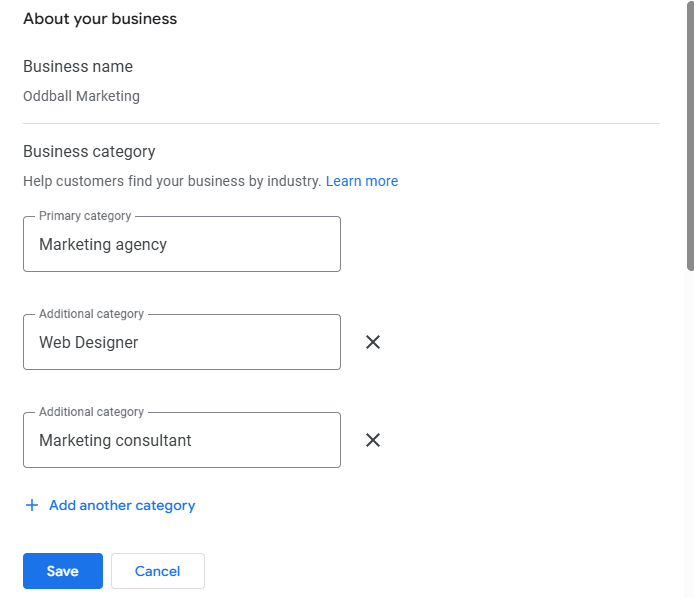
Selecting the correct category is crucial for visibility.
Primary Category:
Pick the one that best matches your core service. E.g. “Marketing Agency”
Additional Categories:
Use these to expand reach. E.g.
- Advertising Agency
- Internet Marketing Service
- Marketing Consultant
Adding categories helps you rank for more search terms — a strategy we use across our SEO campaigns.
💡 Only add additional categories if they are actually services you offer!
Step 4: Add Photos & Posts
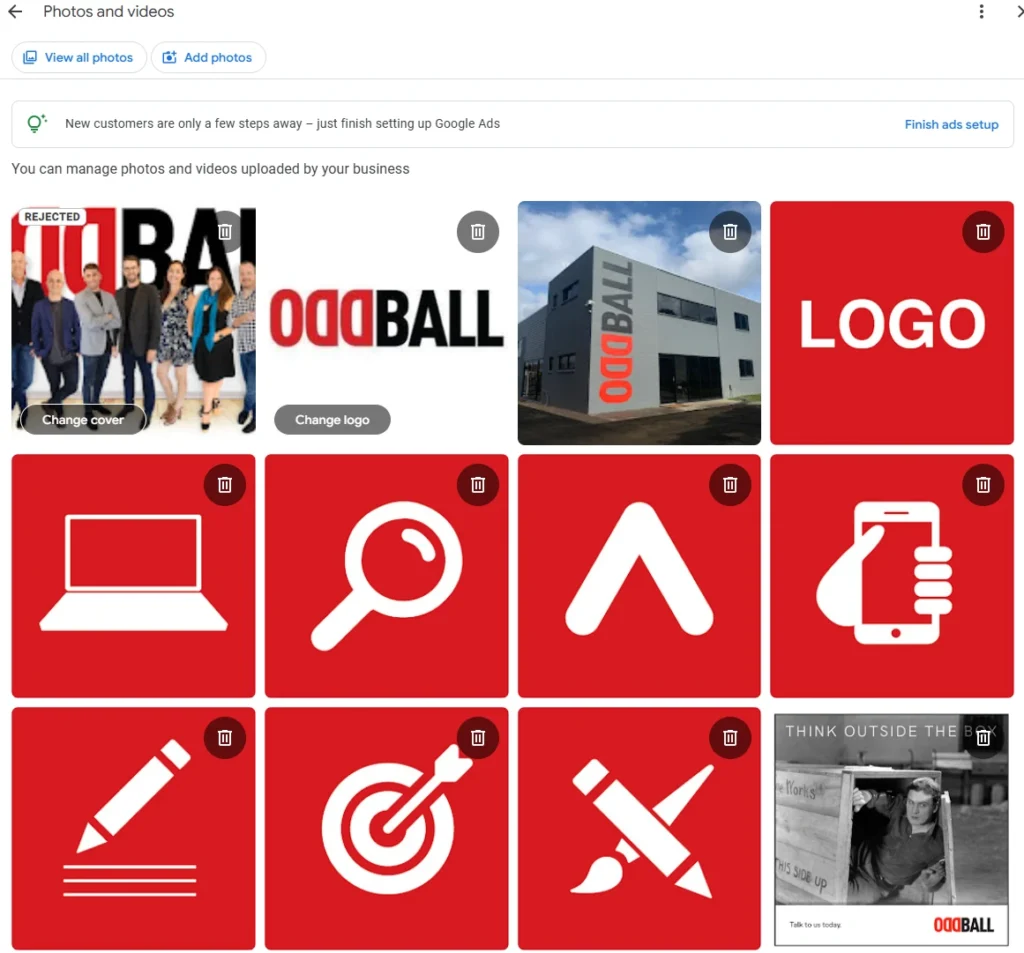
Profiles with images and regular posts get more views.
Upload photos of:
- Your office or storefront
- Team members
- Work or services
- Happy clients (if possible)
Stats say: Listings with photos get 42% more direction requests and 35% more clicks to websites.
Step 5: Collect & Manage Reviews
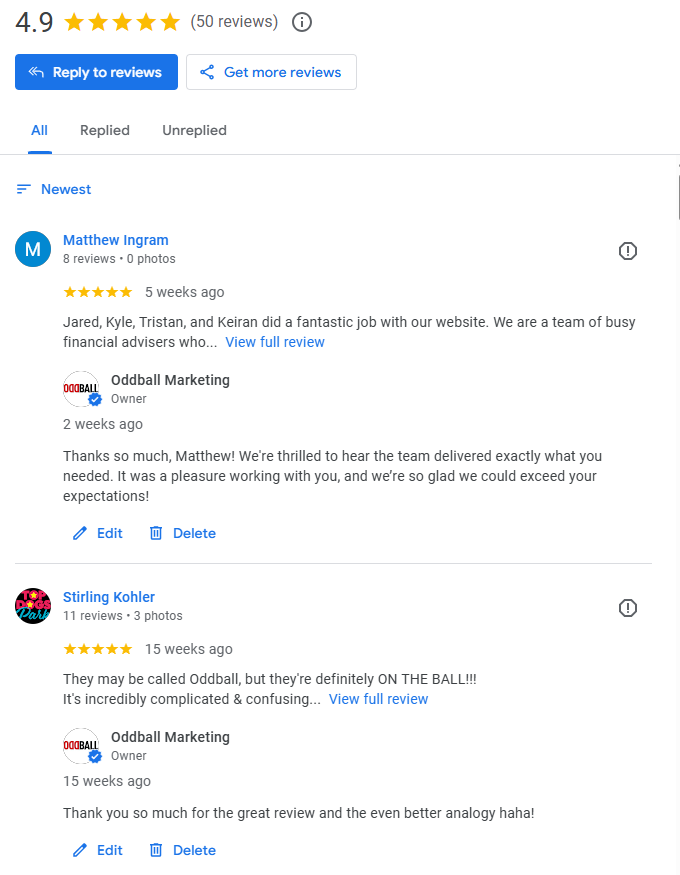
Reviews are a big ranking factor — and build trust.
Best practices:
- Ask every happy client to leave a review
- Respond to all reviews (positive or negative)
- Stay professional and timely in responses
At Oddball Marketing, we help our clients build and maintain strong online reputations that support their SEO and lead generation.
Step 6: Keep It Updated
Google rewards businesses that actively manage their profile.
Update when:
- Hours change
- New teams or services are added
- There’s an event or special offer
- You launch a new campaign
💡 Set a reminder to check your listing monthly.
Suggested Visual: Local Search Ranking Impact Chart
Graph Title: Key Factors That Influence Local Pack Rankings
(Add bar graph or pie chart format)

Source: Whitespark Local Search Ranking Factors
Why This Matters for Your Marketing Strategy
Optimising your Google Business Profile is one of the most cost-effective ways to improve local visibility.
At Oddball Marketing, we know how to get you to the top of the Map Pacl. But we also know that your Google Business Profile is just one piece of a bigger strategy…
Ready to improve your visibility and generate more leads?👉 Get in touch and let’s make your Google presence work harder for you.